Icarus User Guide - Share Buttons
This article covers share buttons supported by Icarus.
AddToAny
You can activate AddToAny without user registration. Just put the following code to your theme configurations:
_config.icarus.yml 1
2share:
type: addtoany
Take the following steps if you want to customize the share buttons:
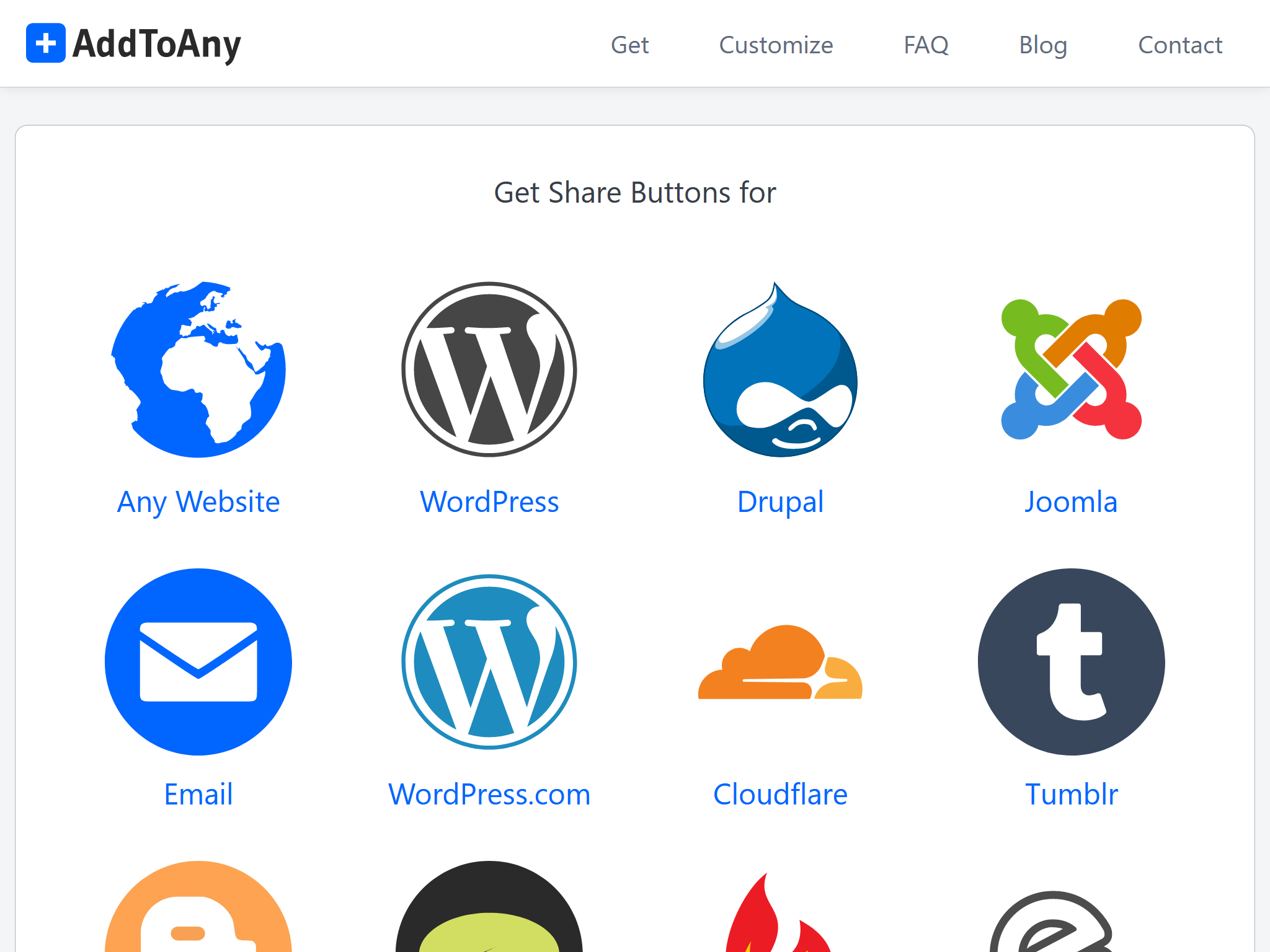
Visit AddToAny official site and click on the “Get the Share Button”.
Then, select “Any Website” and complete the configuration of the buttons.
Click “Get Button Code” after you finish.
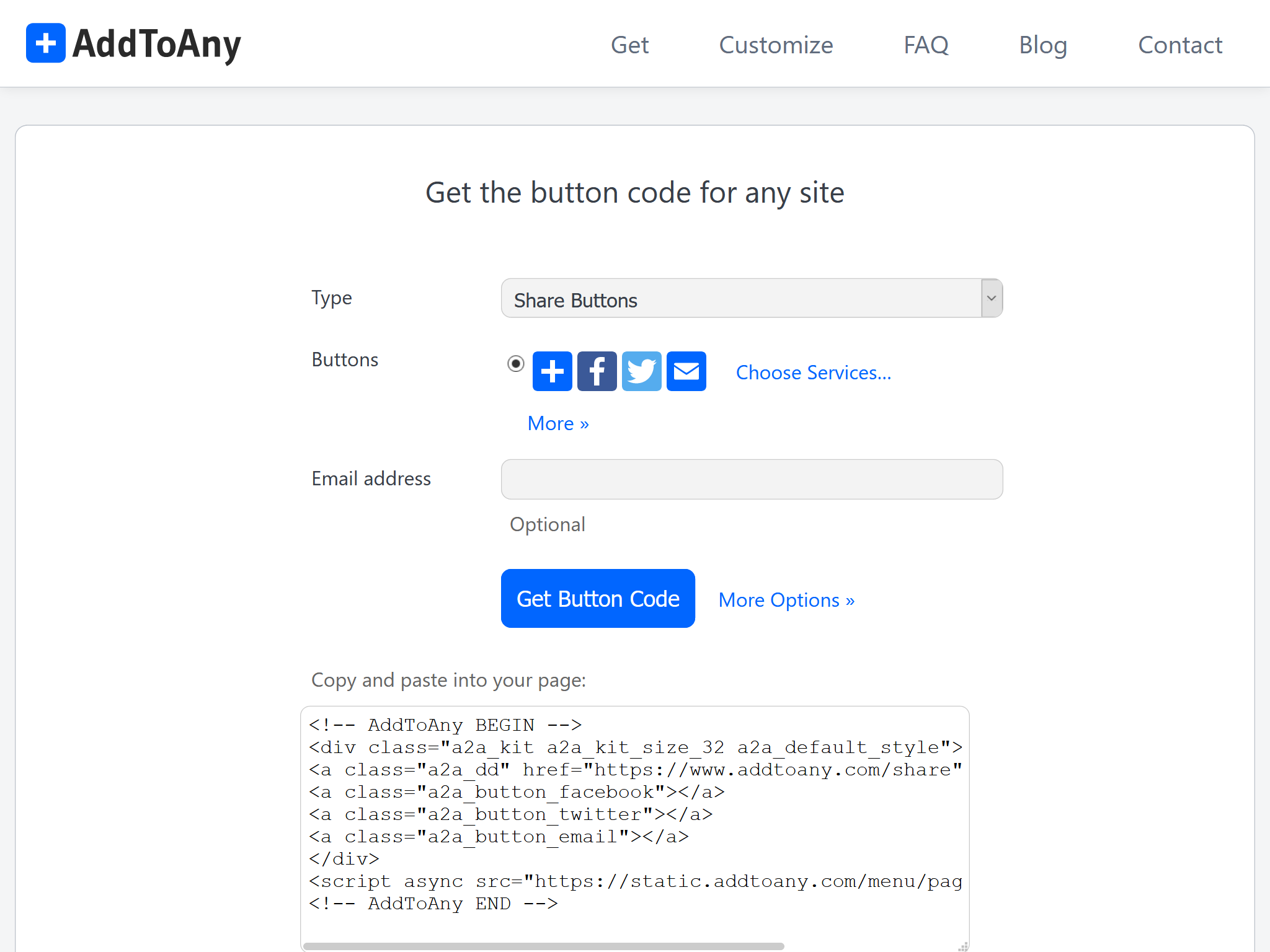
Since the share buttons of Icarus are provided by ppoffice/hexo-component-inferno, you need to copy the layout file of AddToAny from the src/view/share directory of this repository to
<icarus_directory>/layout/share/addtoany.jsx. Icarus uses a layout file in itslayout/directory instead of the one in hexo-component-inferno with the same path. Then, replace the AddToAny code inaddtoany.jsxand fix the package import in the file header.For example, assume the following code is what you get from the last step:
AddToAny Code >folded 1
2
3
4
5
6
7
8
9<!-- AddToAny BEGIN -->
<div class="a2a_kit a2a_kit_size_32 a2a_default_style">
<a class="a2a_dd" href="https://www.addtoany.com/share"></a>
<a class="a2a_button_facebook"></a>
<a class="a2a_button_twitter"></a>
<a class="a2a_button_email"></a>
</div>
<script async src="https://static.addtoany.com/menu/page.js"></script>
<!-- AddToAny END -->then you should make the following changes to
addtoany.jsx:<icarus_directory>/layout/share/addtoany.jsx >folded 1
2
3
4
5
6
7
8
9
10
11
12
13
14
15
16
17
18
19
20
21
22
23
24
25
26
27
28
29
30
31const { Component, Fragment } = require('inferno');
- const { cacheComponent } = require('../../util/cache');
+ const { cacheComponent } = require('hexo-component-inferno/lib/util/cache');
...Some code is skipped here...
class AddToAny extends Component {
render() {
return <Fragment>
- <div class="a2a_kit a2a_kit_size_32 a2a_default_style">
- <a class="a2a_dd" href="https://www.addtoany.com/share"></a>
- <a class="a2a_button_facebook"></a>
- <a class="a2a_button_twitter"></a>
- <a class="a2a_button_telegram"></a>
- <a class="a2a_button_whatsapp"></a>
- <a class="a2a_button_reddit"></a>
- </div>
- <script src="https://static.addtoany.com/menu/page.js" defer={true}></script>
+ <!-- AddToAny HTML code you just got... -->
+ <div class="a2a_kit a2a_kit_size_32 a2a_default_style">
+ <a class="a2a_dd" href="https://www.addtoany.com/share"></a>
+ <a class="a2a_button_facebook"></a>
+ <a class="a2a_button_twitter"></a>
+ <a class="a2a_button_email"></a>
+ </div>
+ <script async src="https://static.addtoany.com/menu/page.js"></script>
</Fragment>;
}
}
...The following code is skipped here...
ShareThis
Visit ShareThis and click the “Start with Share Buttons” button on the page.
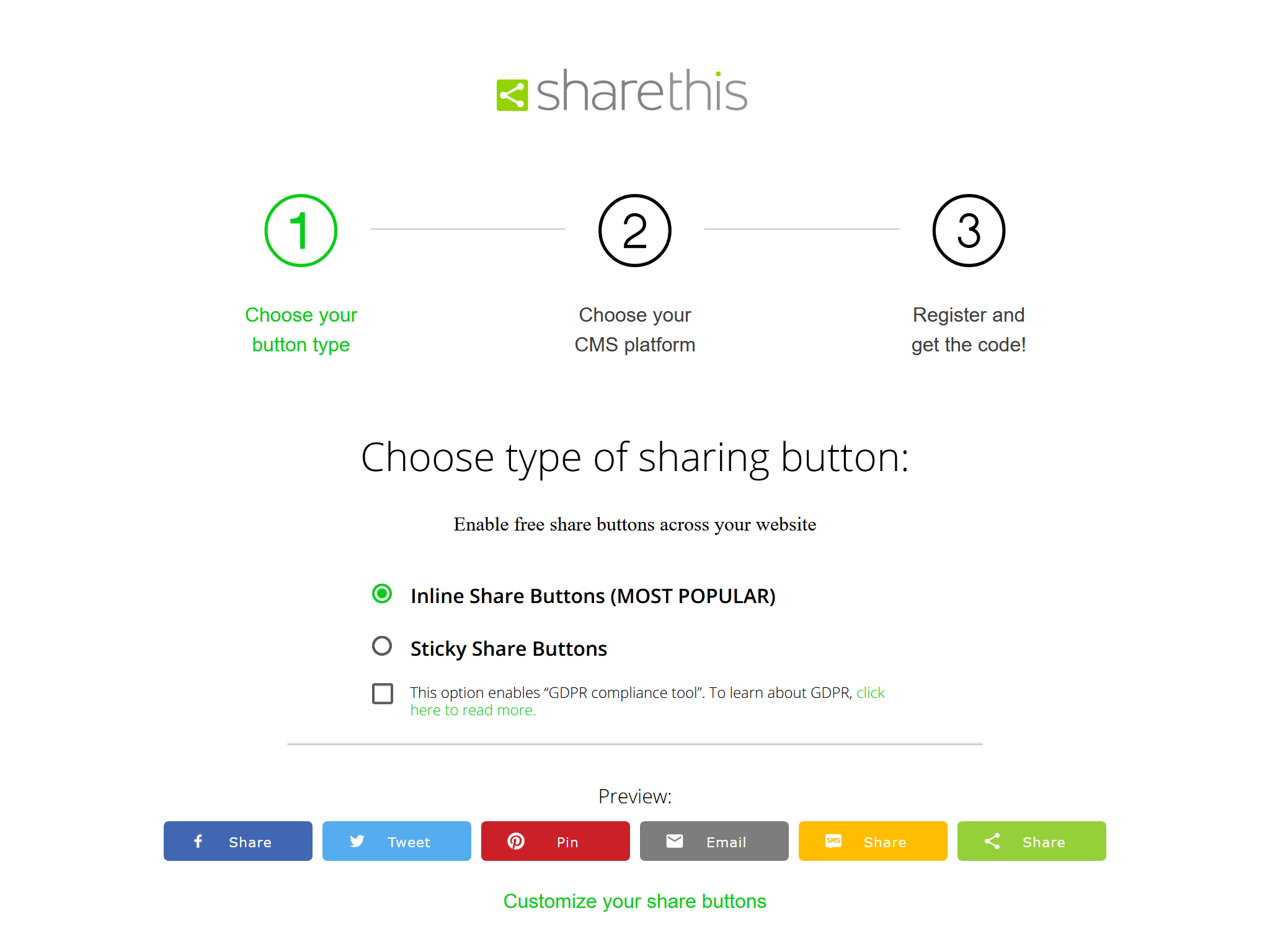
Select the type of buttons you need on the “Choose type of sharing button” page. Don’t enable the “GDPR compliance tool” since it may cause issues. You can also make advanced adjustments by clicking the “Customize your share buttons” link. Click “Next” when you are done.
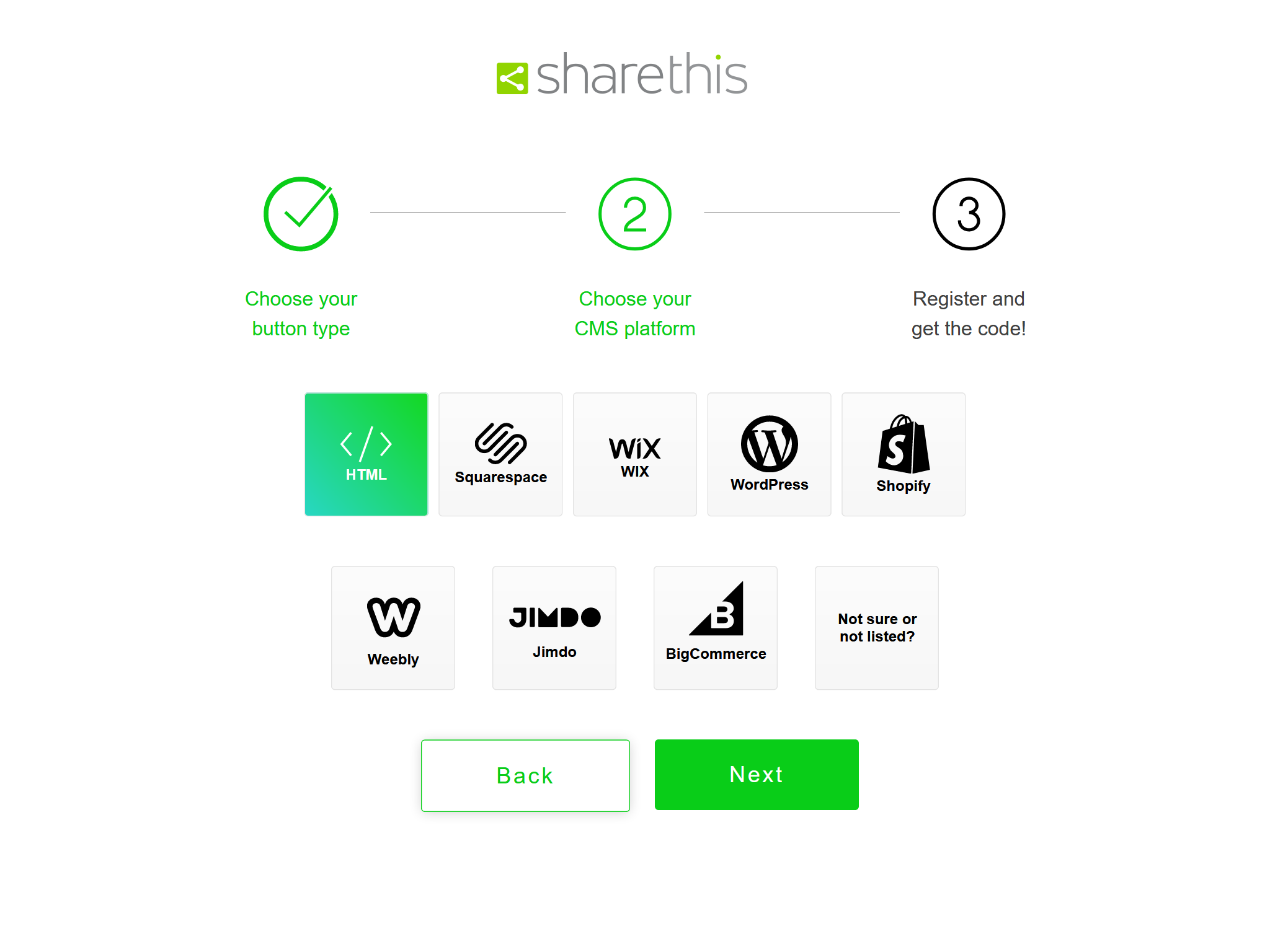
Select “HTML” on the “Choose your CMS platform” page and click “Next”.
Enter your email and password to finish the registration for ShareThis on the “Register and get the code!” page.
Finally, copy the
srcURL from the HTML code fragment to the share button configuration.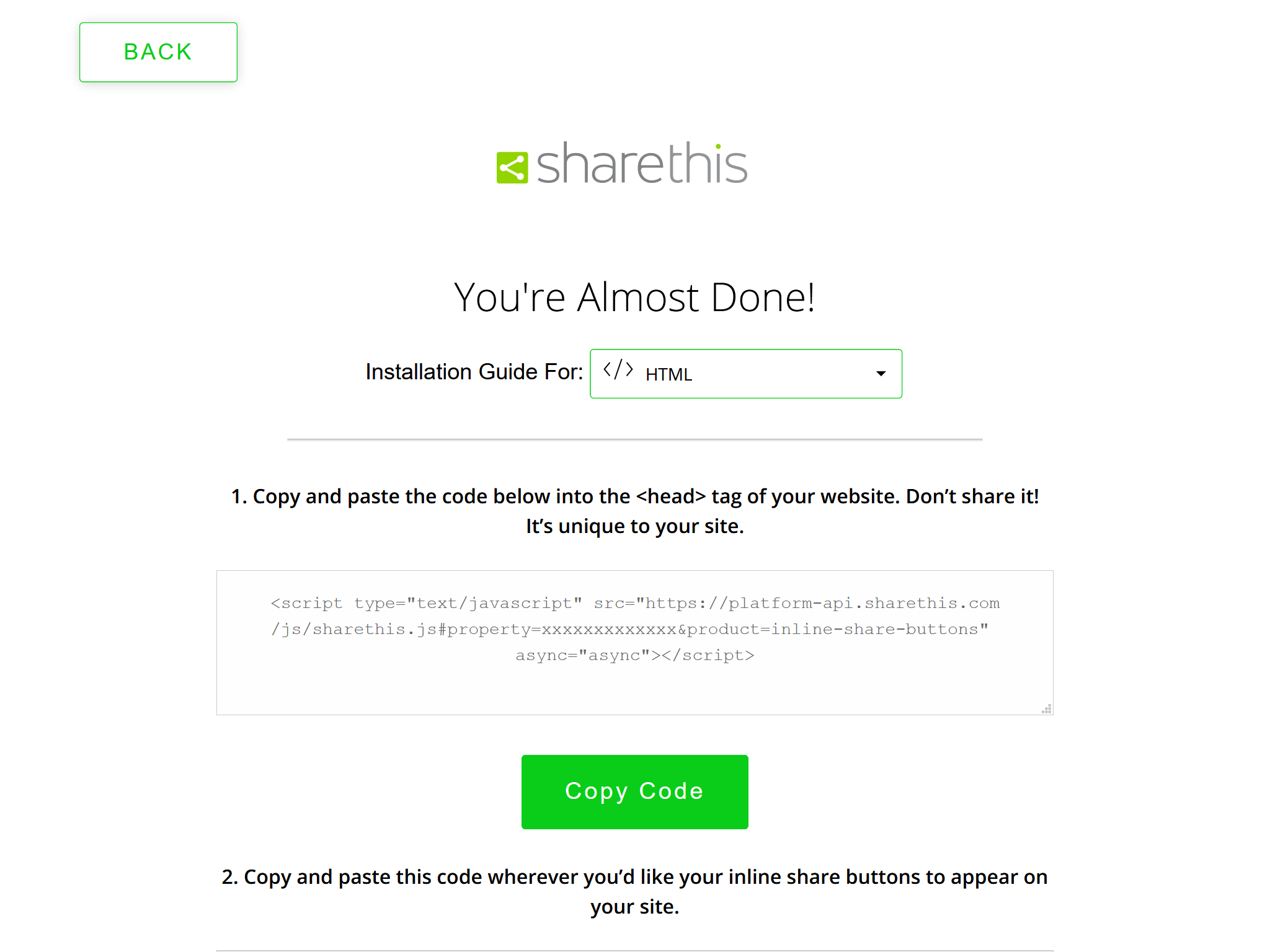
For example, the following ShareThis code:
ShareThis Code 1
<script type="text/javascript" src="https://platform-api.sharethis.com/js/sharethis.js#property=xxxxxxxxxxxxx&product=inline-share-buttons" async="async"></script>
maps to the following theme configuration:
_config.icarus.yml 1
2
3share:
type: sharethis
install_url: https://platform-api.sharethis.com/js/sharethis.js#property=xxxxxxxxxxxxx&product=inline-share-buttons
Web Share
Web Share shows direct links to X, Facebook, Weibo, Telegram, and LinkedIn, plus a More button that opens the system share dialog, without loading a third-party SDK.
You can activate Web Share without user registration. Just put the following code to your theme configurations:
_config.icarus.yml 1
2share:
type: web_share
The More button is disabled in browsers that do not support Web Share.
Icarus User Guide - Share Buttons
https://ppoffice.github.io/hexo-theme-icarus/Plugins/Share/icarus-user-guide-share-buttons/