Icarus用户指南 - 分享按钮
本文介绍Icarus支持的分享按钮的安装配置。
AddToAny
你可以启用AddToAny而无需注册用户。 仅需将下面的代码放到你的主题配置中:
_config.icarus.yml 1
2share:
type: addtoany
如果你想自定义分享按钮,请采用如下步骤:
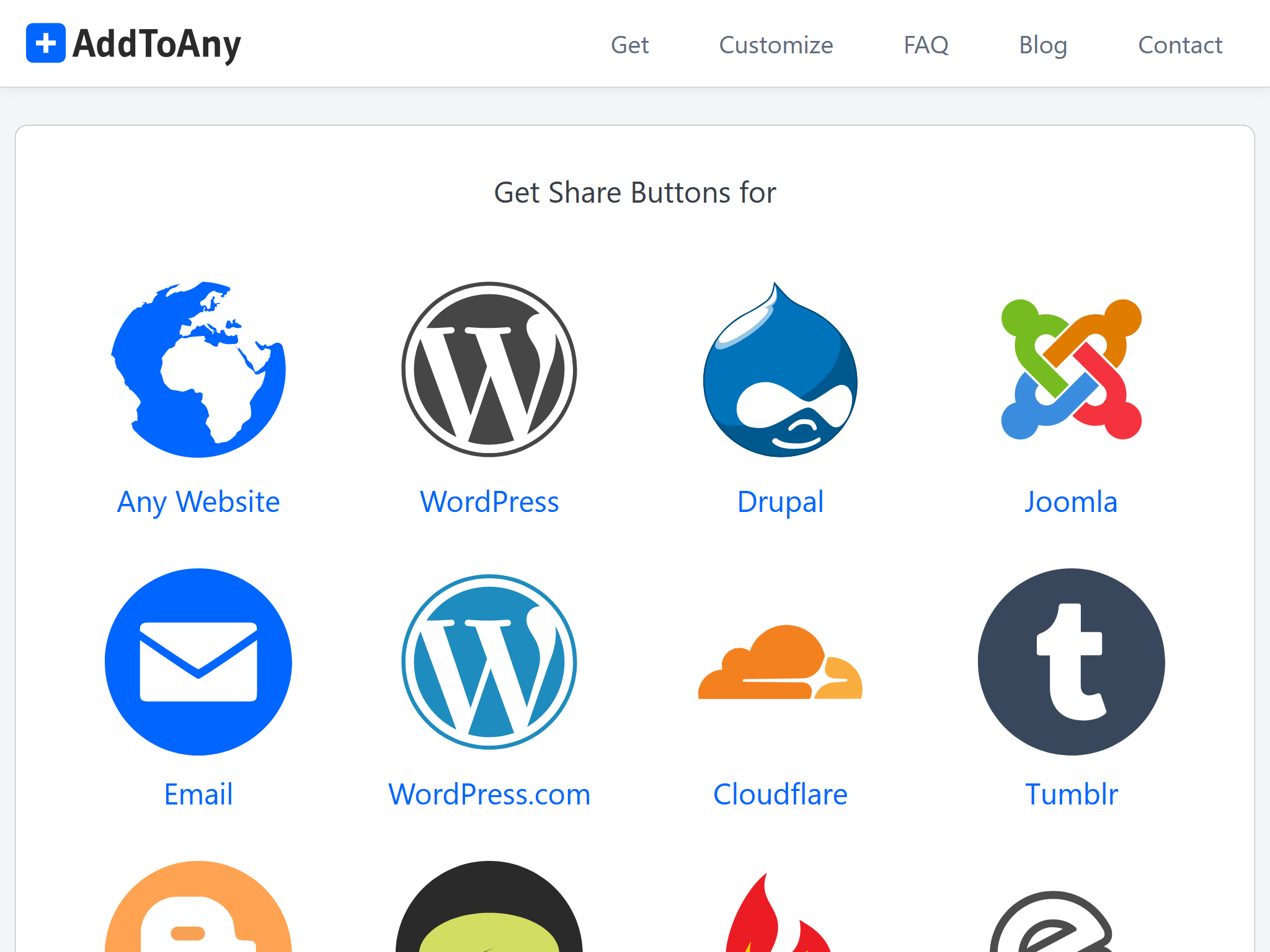
访问AddToAny官网并点击“获取分享按钮”(Get the Share Button)。
然后,选择“任意网站”(Any Website)并完成按钮的配置。
完成后点击“获取按钮代码”(Get Button Code)。
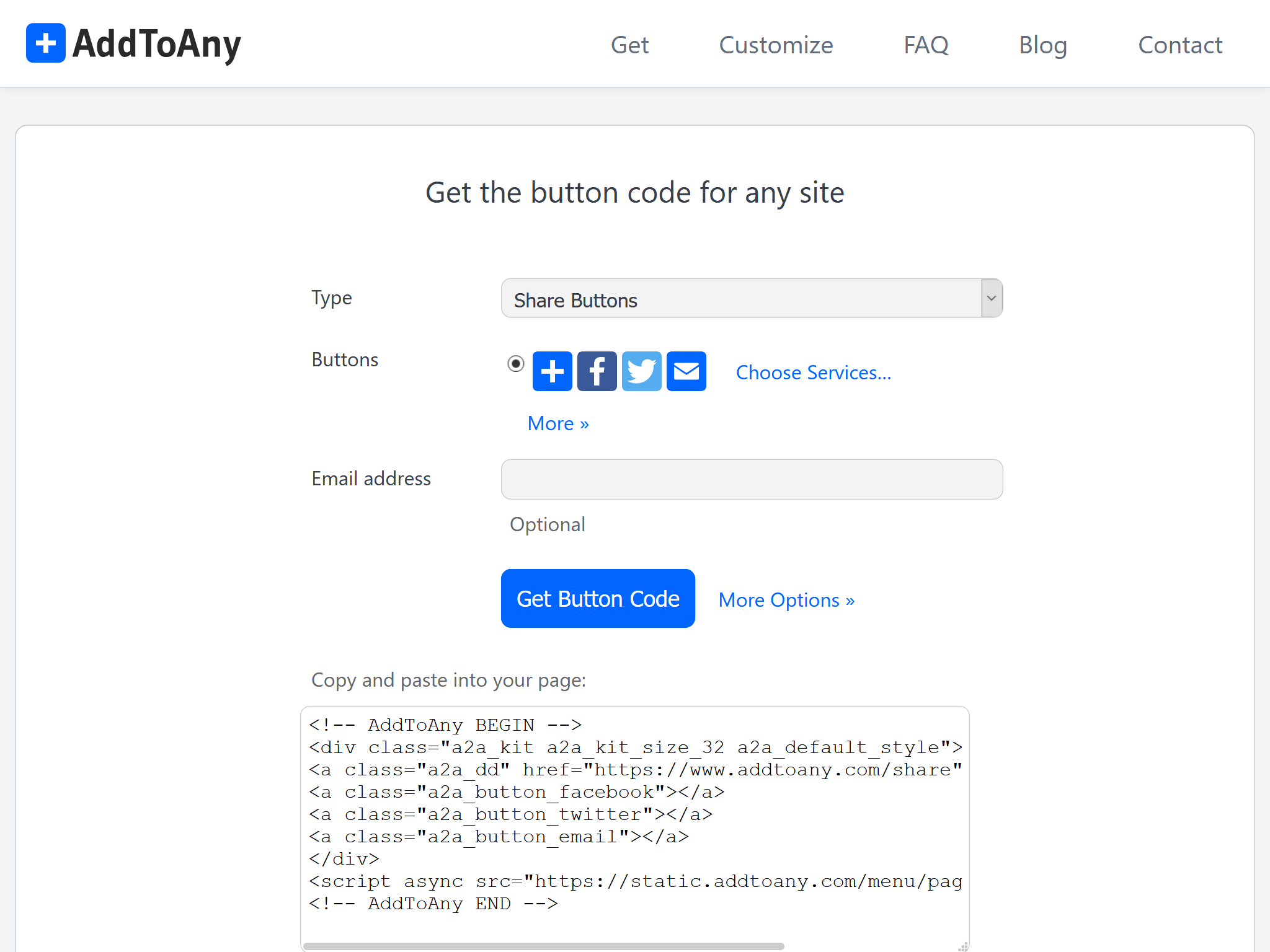
由于分享按钮是由ppoffice/hexo-component-inferno 提供,你需要从这个仓库的src/view/share目录中把AddToAny的布局文件复制到
<icarus_directory>/layout/share/addtoany.jsx。 Icarus会优先使用它自己layout/目录下的布局文件,而不是hexo-component-inferno中同一路径的文件。 然后,替换addtoany.jsx中AddToAny代码并修正文件头部的包引用。例如,假设下面的代码是你从上一步获得的代码:
AddToAny代码 >folded 1
2
3
4
5
6
7
8
9<!-- AddToAny BEGIN -->
<div class="a2a_kit a2a_kit_size_32 a2a_default_style">
<a class="a2a_dd" href="https://www.addtoany.com/share"></a>
<a class="a2a_button_facebook"></a>
<a class="a2a_button_twitter"></a>
<a class="a2a_button_email"></a>
</div>
<script async src="https://static.addtoany.com/menu/page.js"></script>
<!-- AddToAny END -->那么你需要对
addtoany.jsx做出如下修改:<icarus_directory>/layout/share/addtoany.jsx >folded 1
2
3
4
5
6
7
8
9
10
11
12
13
14
15
16
17
18
19
20
21
22
23
24
25
26
27
28
29
30
31const { Component, Fragment } = require('inferno');
- const { cacheComponent } = require('../../util/cache');
+ const { cacheComponent } = require('hexo-component-inferno/lib/util/cache');
...中间省略部分代码...
class AddToAny extends Component {
render() {
return <Fragment>
- <div class="a2a_kit a2a_kit_size_32 a2a_default_style">
- <a class="a2a_dd" href="https://www.addtoany.com/share"></a>
- <a class="a2a_button_facebook"></a>
- <a class="a2a_button_twitter"></a>
- <a class="a2a_button_telegram"></a>
- <a class="a2a_button_whatsapp"></a>
- <a class="a2a_button_reddit"></a>
- </div>
- <script src="https://static.addtoany.com/menu/page.js" defer={true}></script>
+ <!-- 刚刚获取的AddToAny HTML代码…… -->
+ <div class="a2a_kit a2a_kit_size_32 a2a_default_style">
+ <a class="a2a_dd" href="https://www.addtoany.com/share"></a>
+ <a class="a2a_button_facebook"></a>
+ <a class="a2a_button_twitter"></a>
+ <a class="a2a_button_email"></a>
+ </div>
+ <script async src="https://static.addtoany.com/menu/page.js"></script>
</Fragment>;
}
}
...下面省略部分代码...
ShareThis
访问ShareThis并点击页面上的“从分享按钮开始”(Start with Share Buttons)按钮。
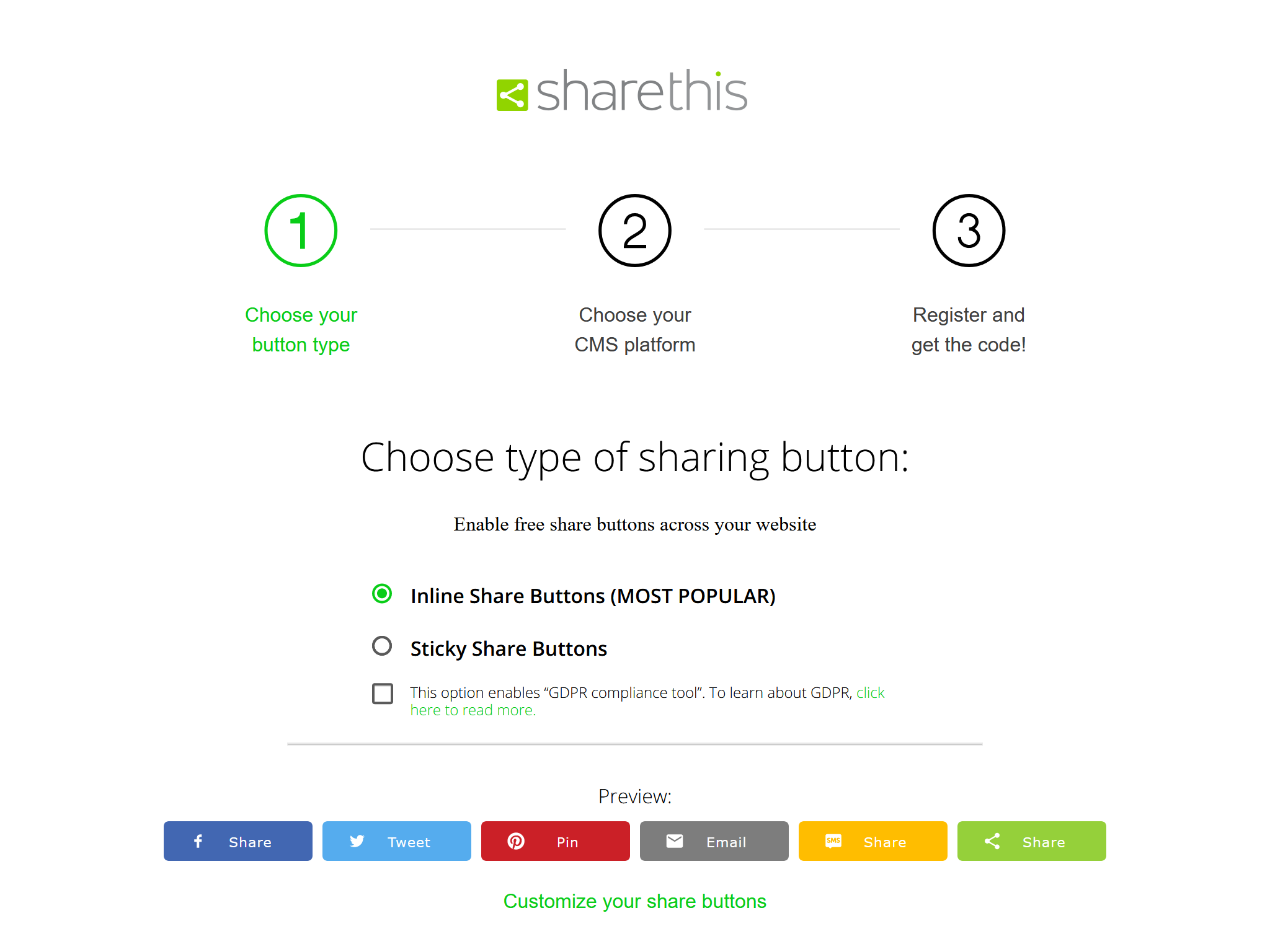
在“选择分享按钮类型”(Choose type of sharing button)页面选择你需要的按钮类型。 不要启用“GDPR规范工具”(GDPR compliance tool),否则可能会导致一些问题。 你也可以点击“自定义你的分享按钮”(Customize your share buttons)链接来进行按钮的进一步配置。 完成后点击“下一步”(Next)。
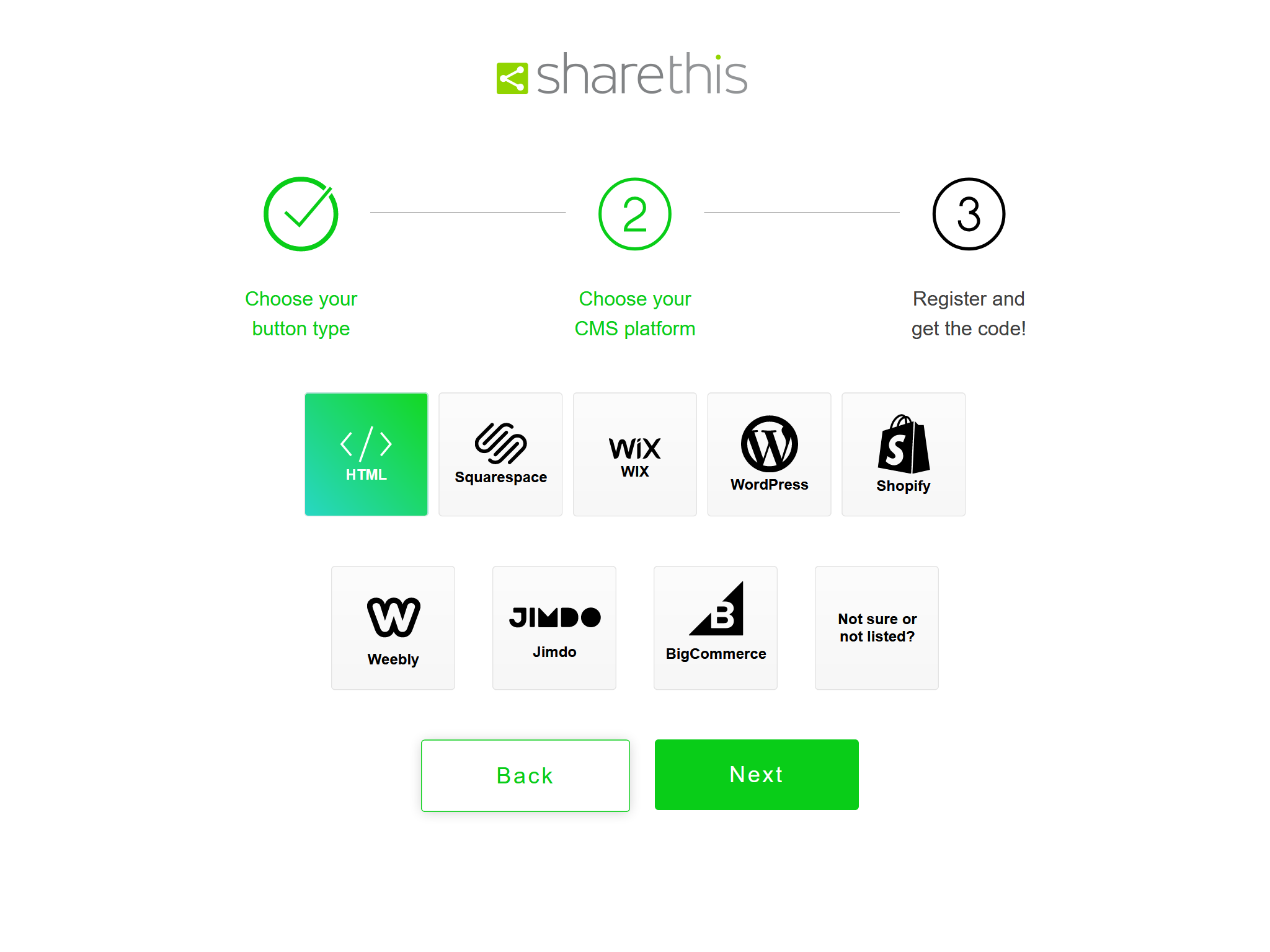
在“选择你的CMS平台”(Choose your CMS platform)页面选择“HTML”并点击“下一步”(Next)。
在“注册并获取代码”(Register and get the code!)页面输入邮箱和密码完成ShareThis的注册。
最后,从HTML代码段中复制
src中的URL地址到分享按钮配置中。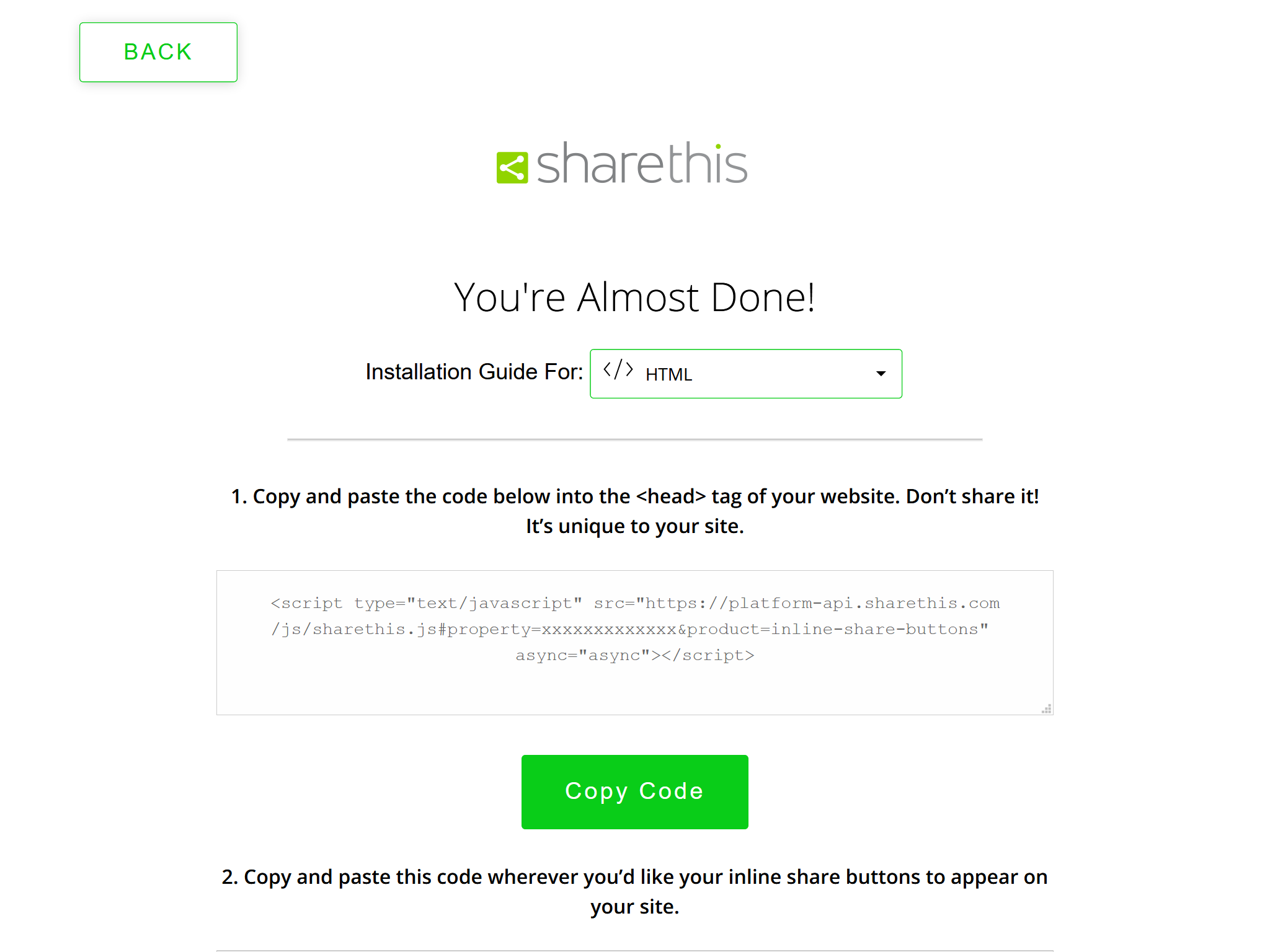
例如,下面的ShareThis代码:
ShareThis代码 1
<script type="text/javascript" src="https://platform-api.sharethis.com/js/sharethis.js#property=xxxxxxxxxxxxx&product=inline-share-buttons" async="async"></script>
对应下面的主题配置:
_config.icarus.yml 1
2
3share:
type: sharethis
install_url: https://platform-api.sharethis.com/js/sharethis.js#property=xxxxxxxxxxxxx&product=inline-share-buttons
Web Share
Web Share提供X、Facebook、微博、Telegram和LinkedIn的直接分享链接,以及一个打开系统分享对话框的“更多”按钮,不加载第三方SDK。
你可以启用Web Share而无需注册用户。 仅需将下面的代码放到你的主题配置中:
_config.icarus.yml 1
2share:
type: web_share
在不支持Web Share的浏览器中,“更多”按钮会被禁用。